Text Menu
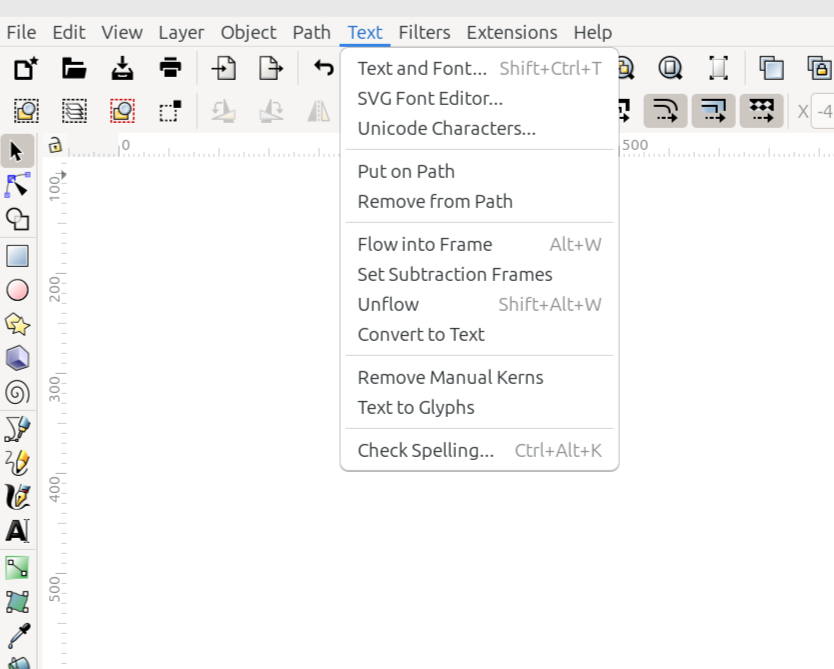
The Text menu
The Text menu contains all the options and commands for creating and manipulating text. The list below shows how they appear in the Inkscape window, along with a brief description for each item. For a complete explanation, see the Text section of the manual.
Command or Option |
What it Does |
|---|---|
Opens the Text and Font dialog |
|
Opens the SVG Font Editor |
|
Opens the Unicode Characters dialog |
|
Puts the selected text on the selected path |
|
Removes text from a path |
|
Flows text inside a frame object |
|
Flows text around a frame object |
|
Removes text from the frame |
|
Converts flowed text to regular text |
|
Removes manual kerns from text |
|
Converts text to glyphs |
|
Opens the Check Spelling dialog |
READY FOR REVIEW