Object Manipulation
Anything and everything that can be drawn on an Inkscape canvas, is an object. There are many different kinds of objects in Inkscape, most of which we learn about in detail, in the Create Objects section. This page is a brief review.
All the shapes are objects: Rectangle, Ellipse, Circle, Star, Polygon, 3D Box, and Spiral.
Todo
I would like the word “object”, at the end of the first sentence, to be bold – and also to be a link to the glossary. I tried a few different things with ** and the glossary code, but none of them worked. Thanks.

Inkscape Shapes
Any kind of Path, from the most simple two-node path to a complex 1000-node path, is an object. Compound and Calligraphic paths are objects too.
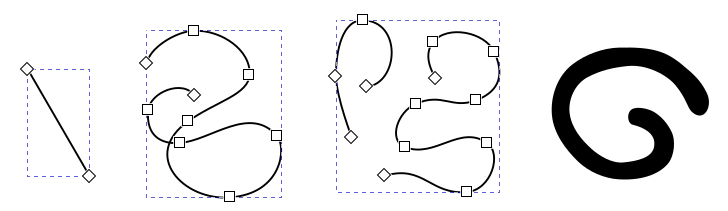
Some Inkscape paths
Text (far left, below), Symbol (coffee cup), Glyph, Marker (arrows), Image (flower), and Clone (clone of the flower) are all unique types of objects. Not pictured, but another object type is Page, for making multi-page documents.

Other Inkscape objects
Plus there are some types of objects which Inkscape can only acquire by importing images, such as Line or Polyline.
And not to forget Group, which of course may contain any type and any number of objects. In fact, grouping is one way of manipulating objects, and there is a whole chapter about it in this section. Below we made a group of objects from some of the previous individual images, to demonstrate the “Group” object.
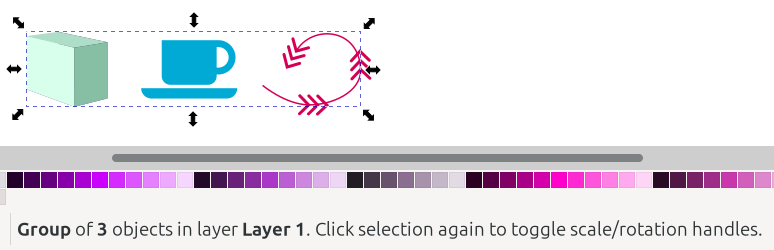
Inkscape groups
In the sections and chapters that follow, we will learn many different ways these objects can be manipulated.